Walkthrough video
See Video Frame Lab in action
Watch a short YouTube walkthrough of the frame inspection and clip export workflow.
Responsible first launch
Disclaimer before users begin
The app opens with a clear editing-aid disclaimer before the user enters the video workflow.
Core workflow
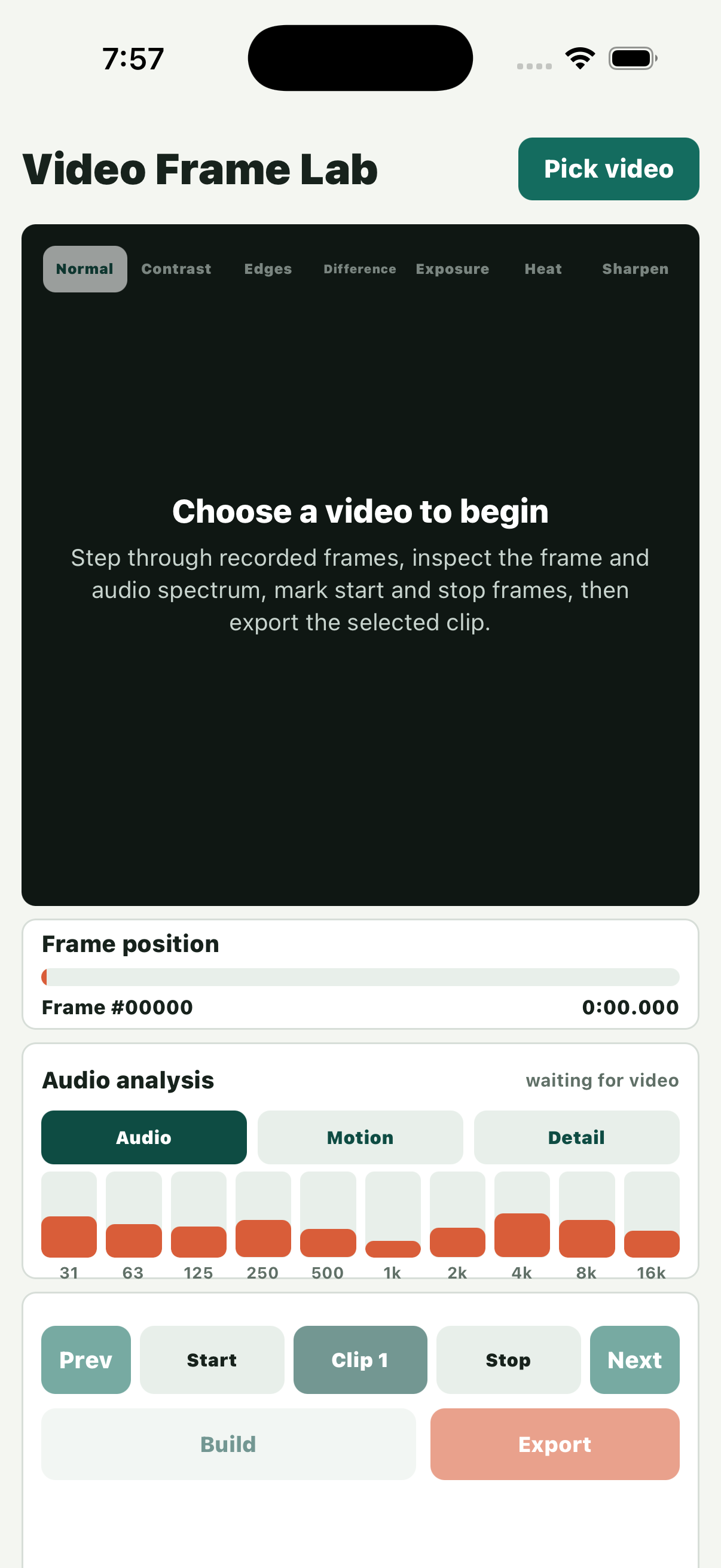
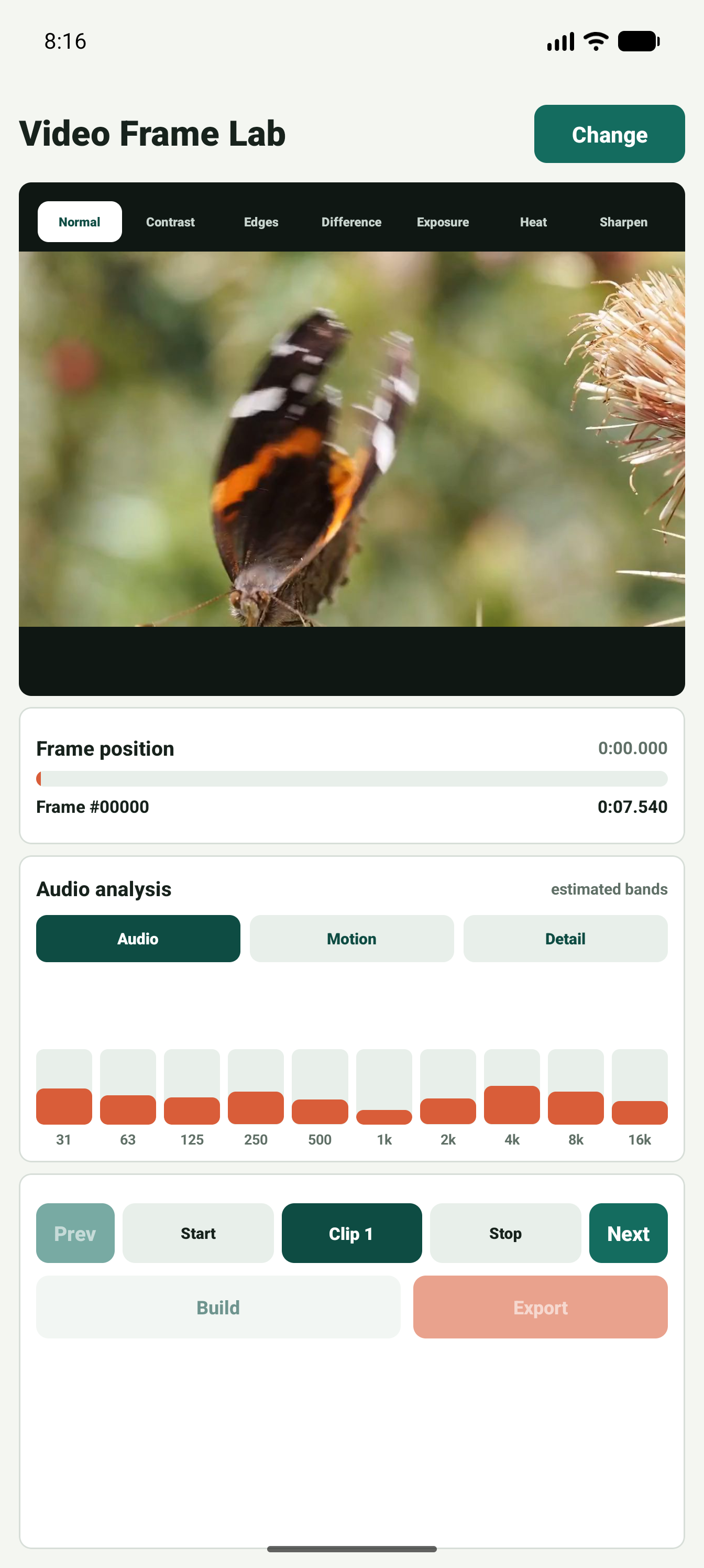
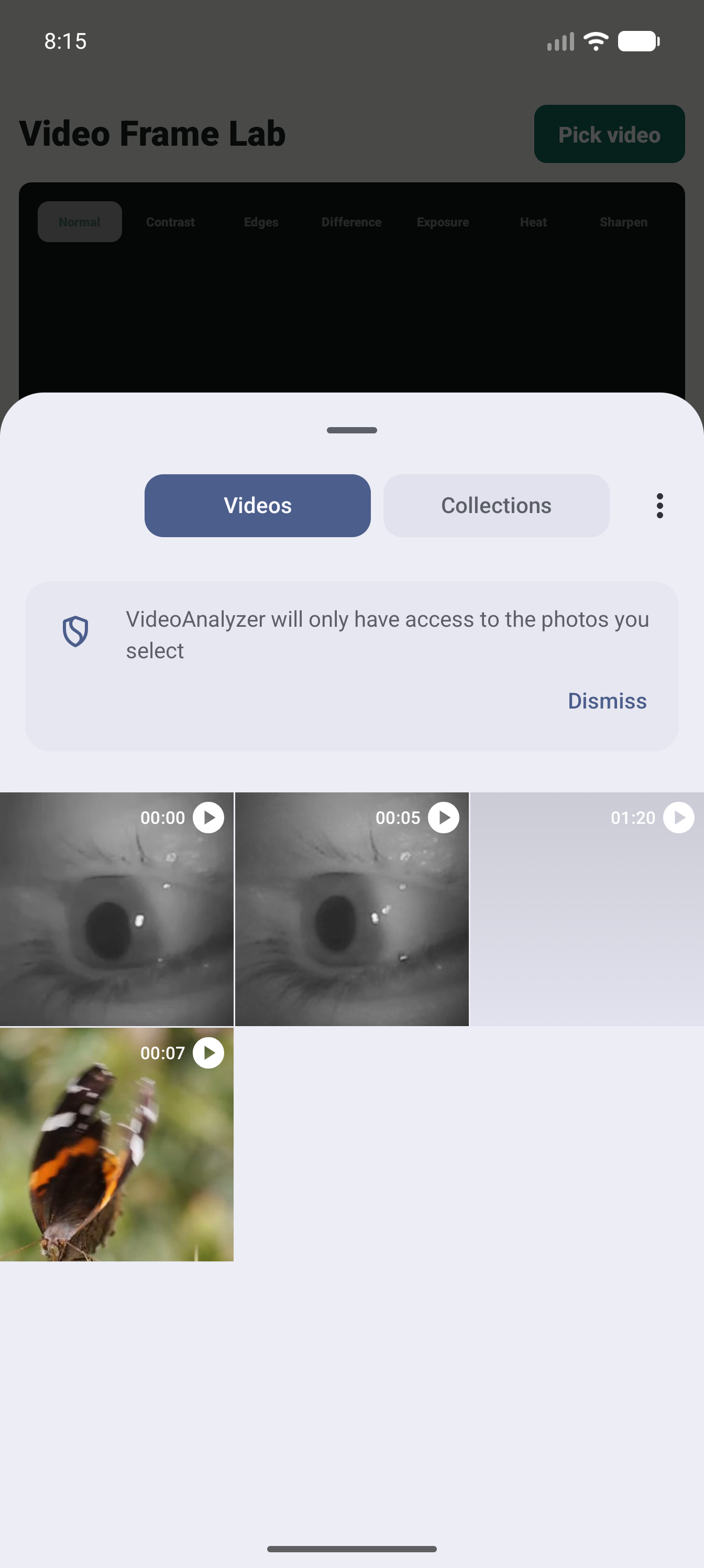
Pick a video, inspect frames, mark clip points
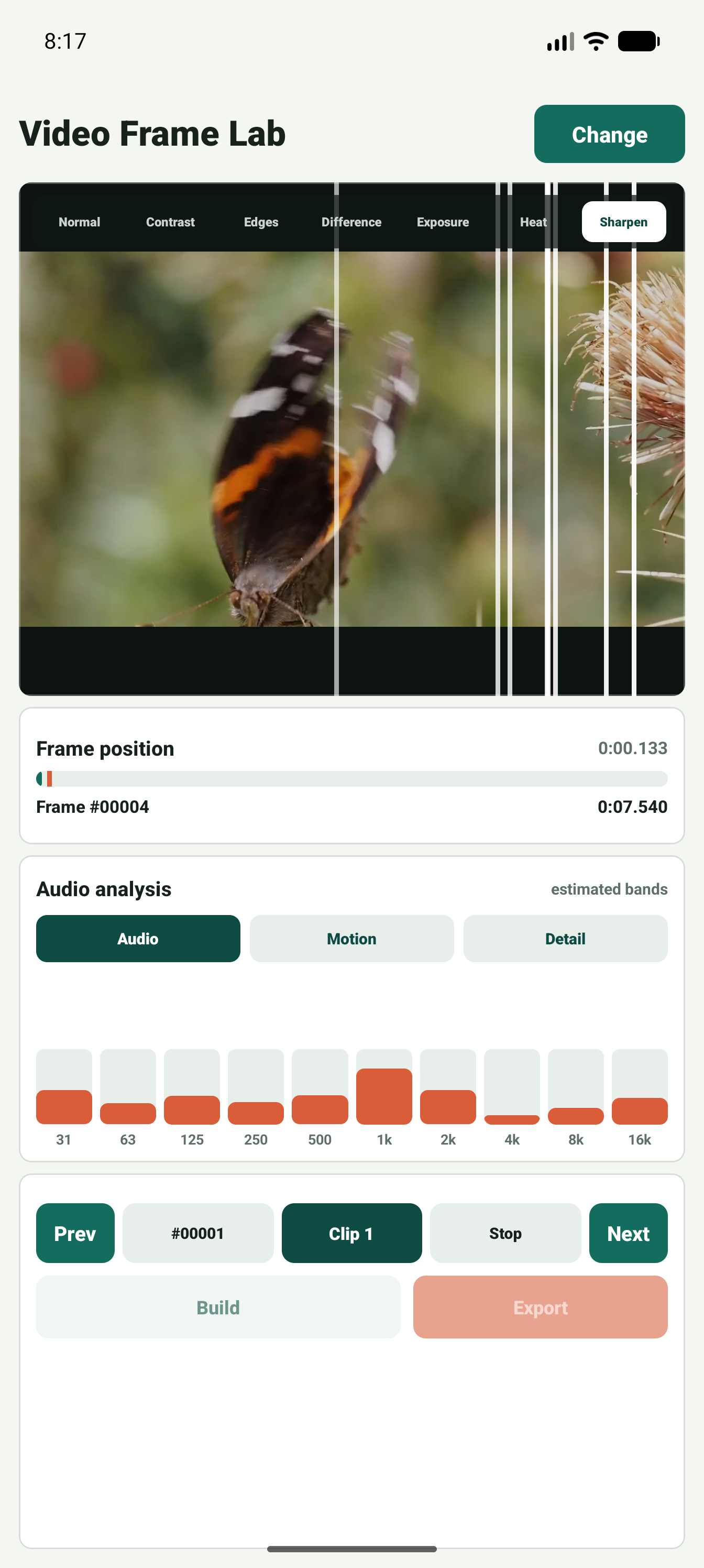
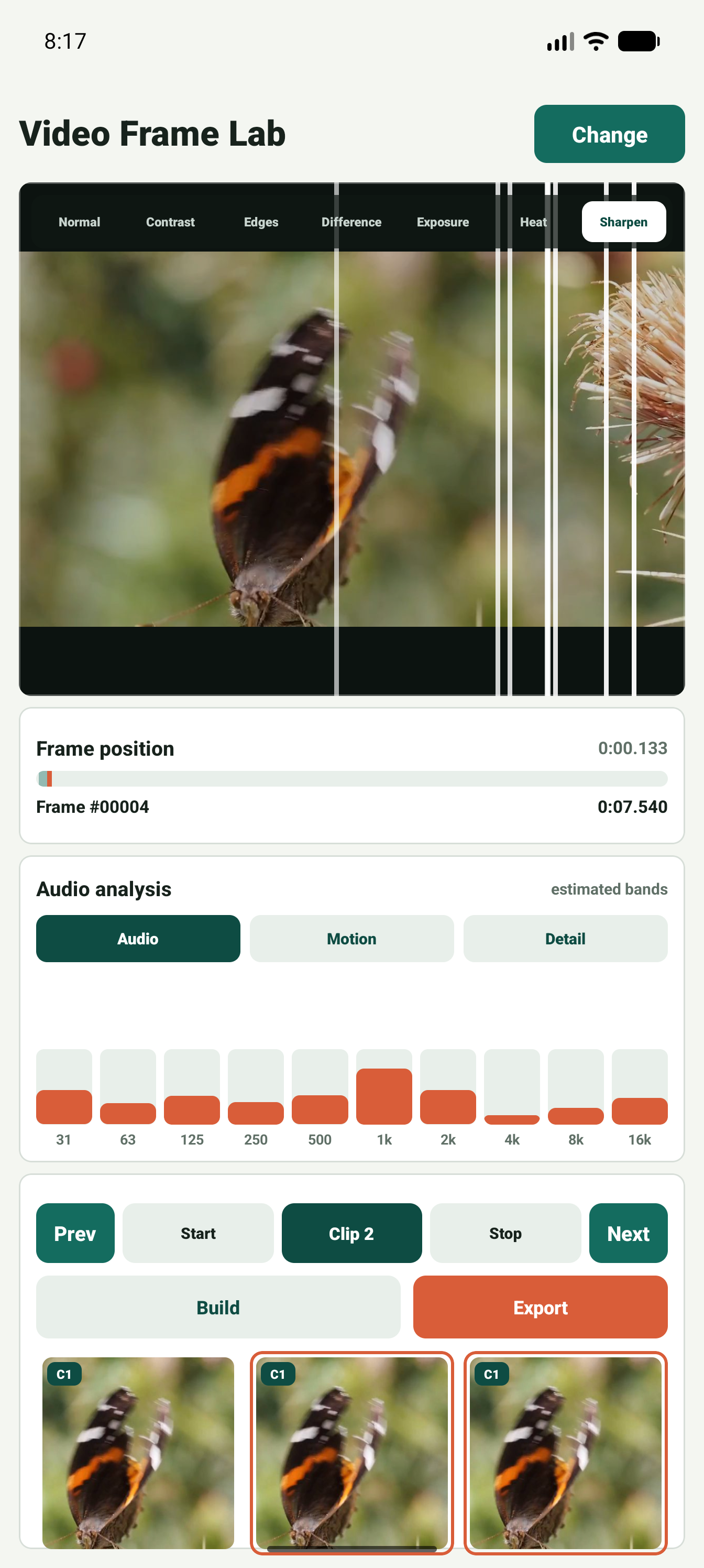
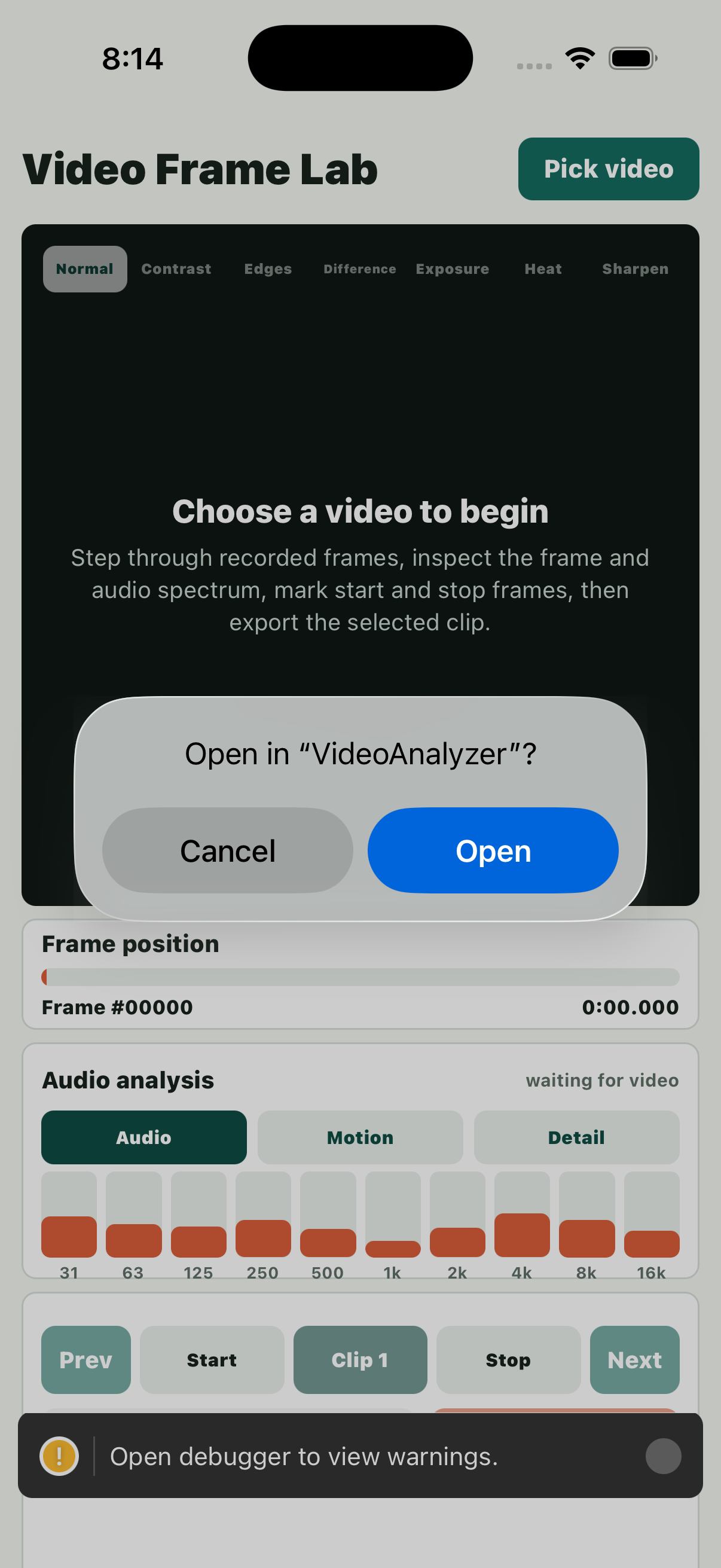
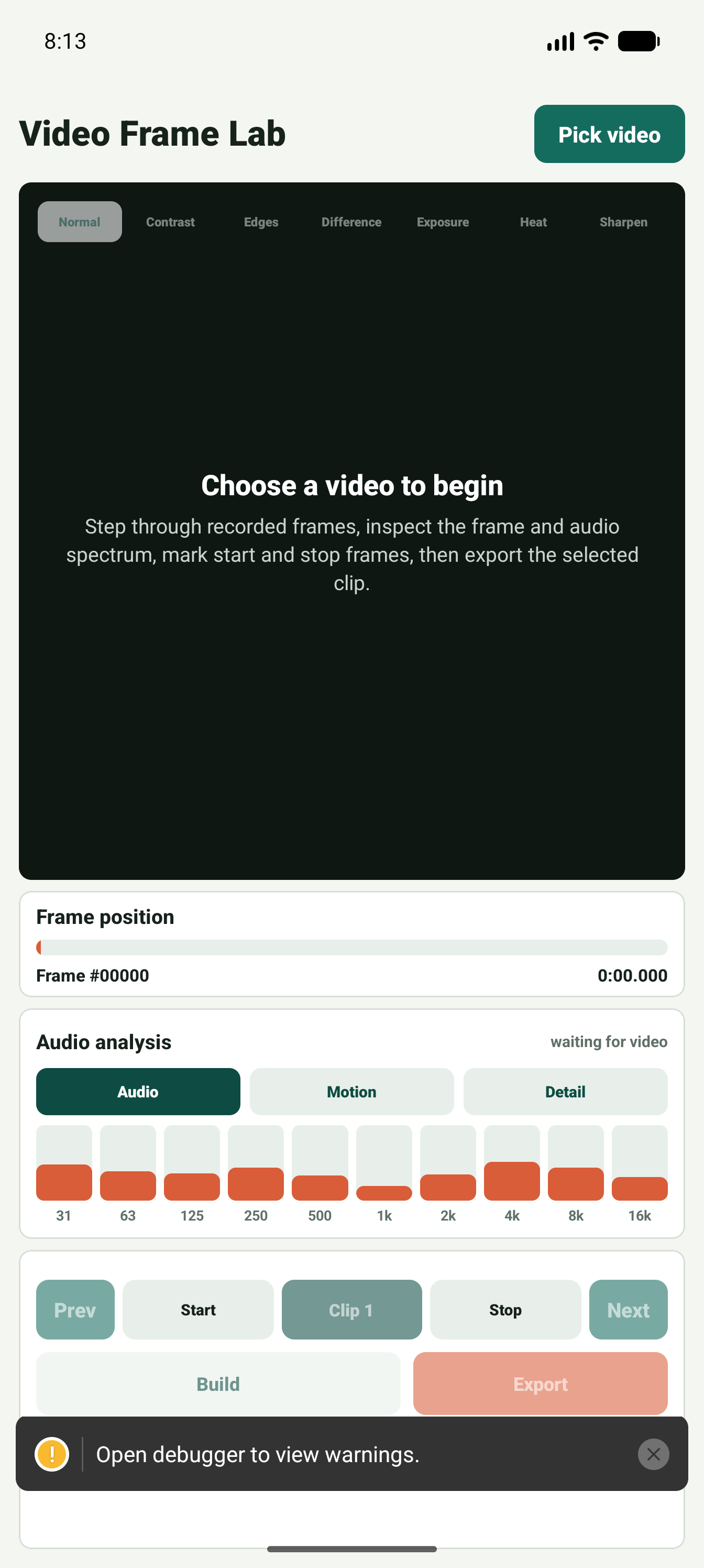
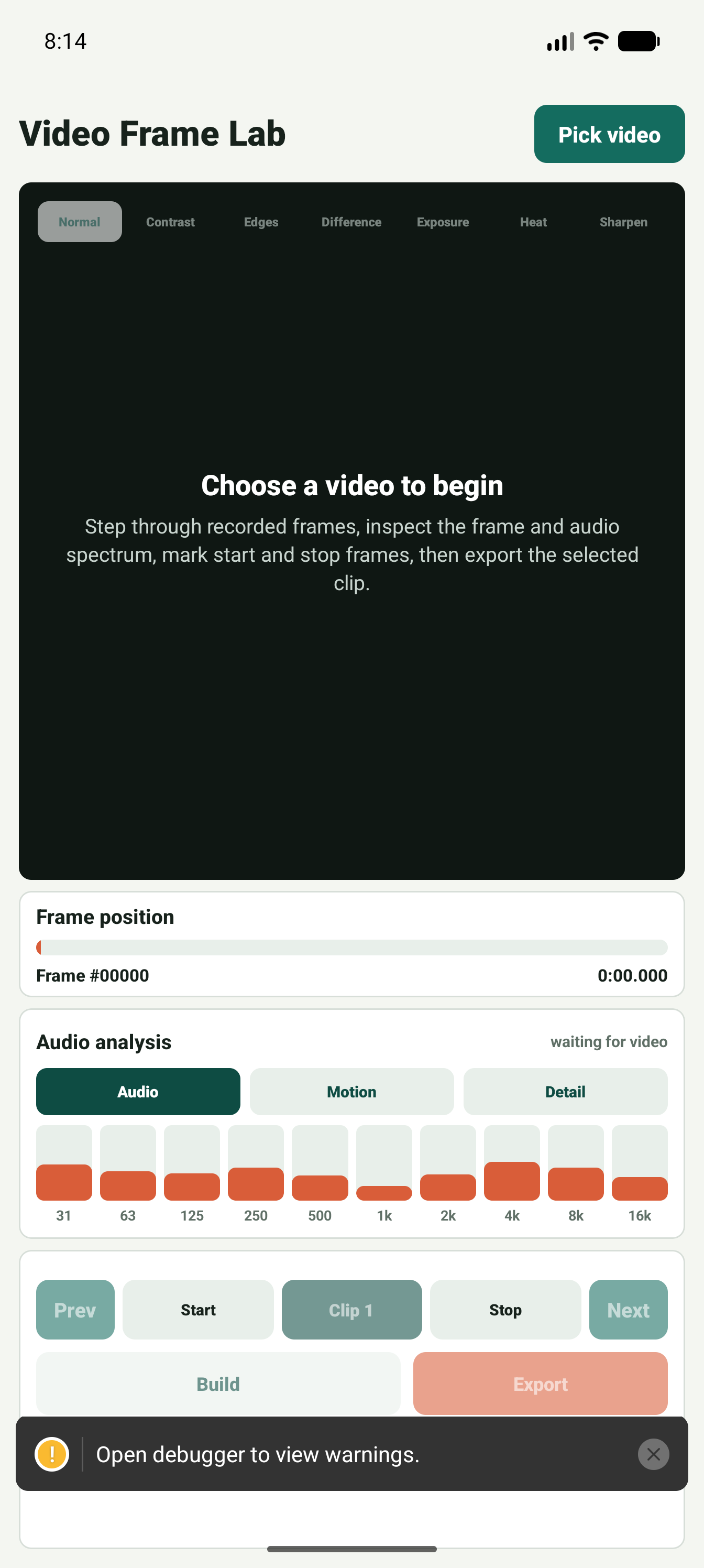
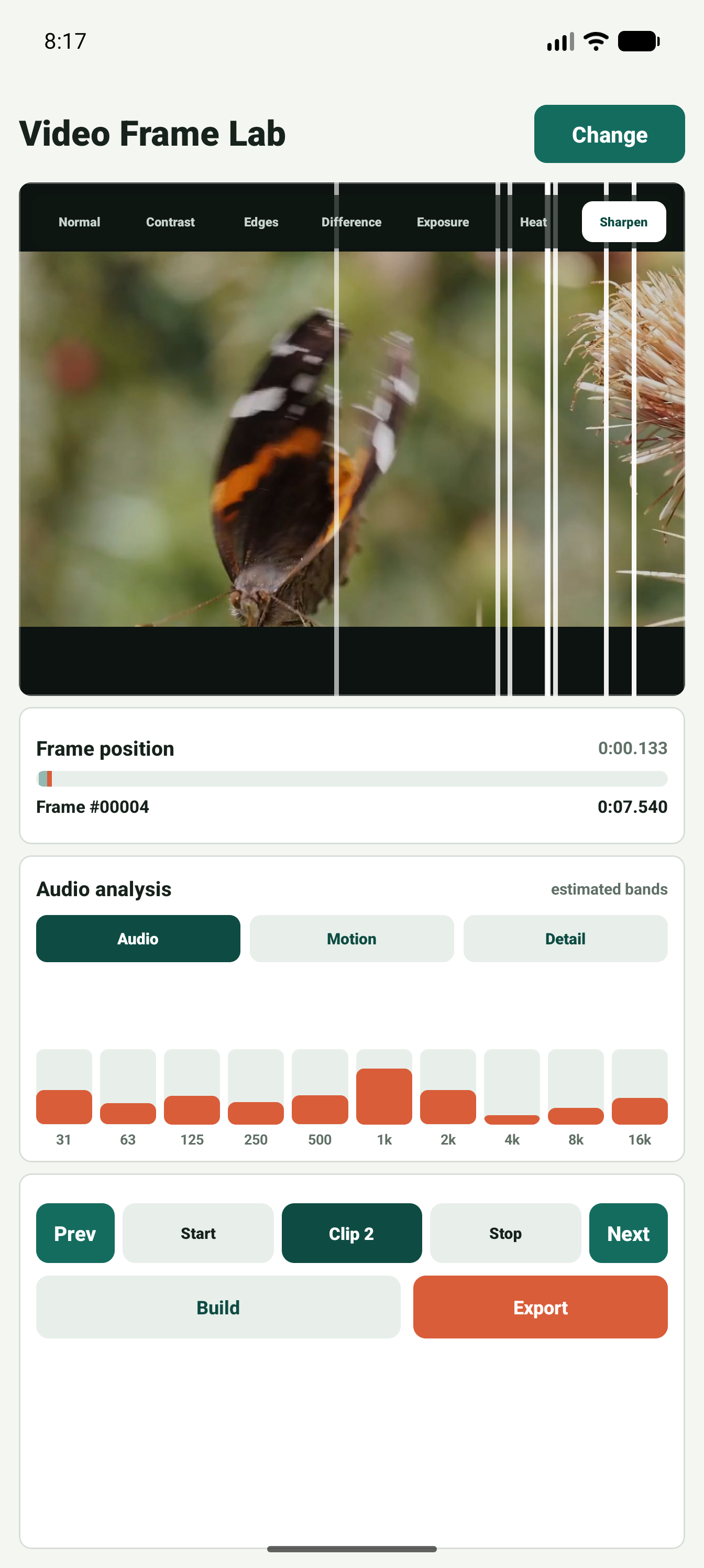
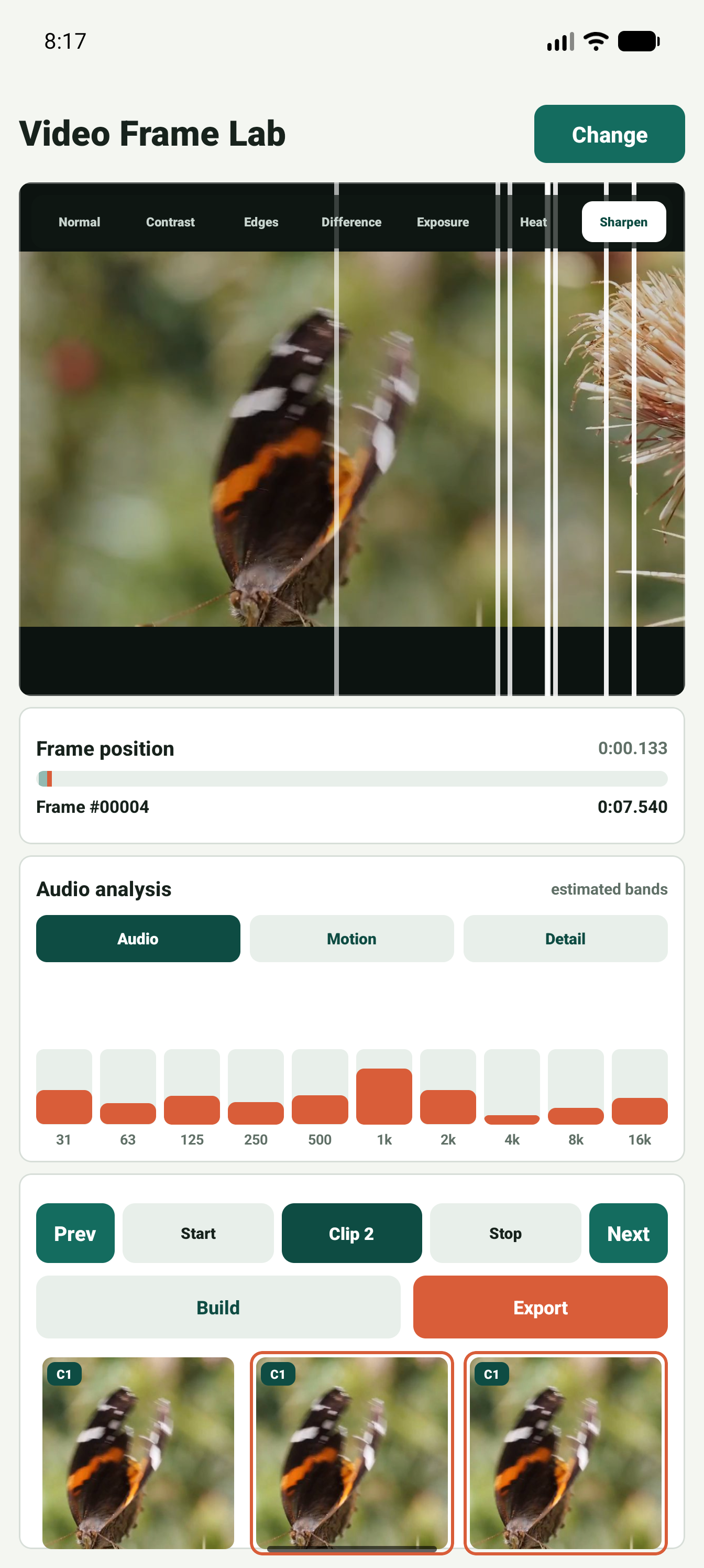
The screenshots below show the progression from empty state to media selection, loaded video analysis, frame stepping, and start or stop frame marking.
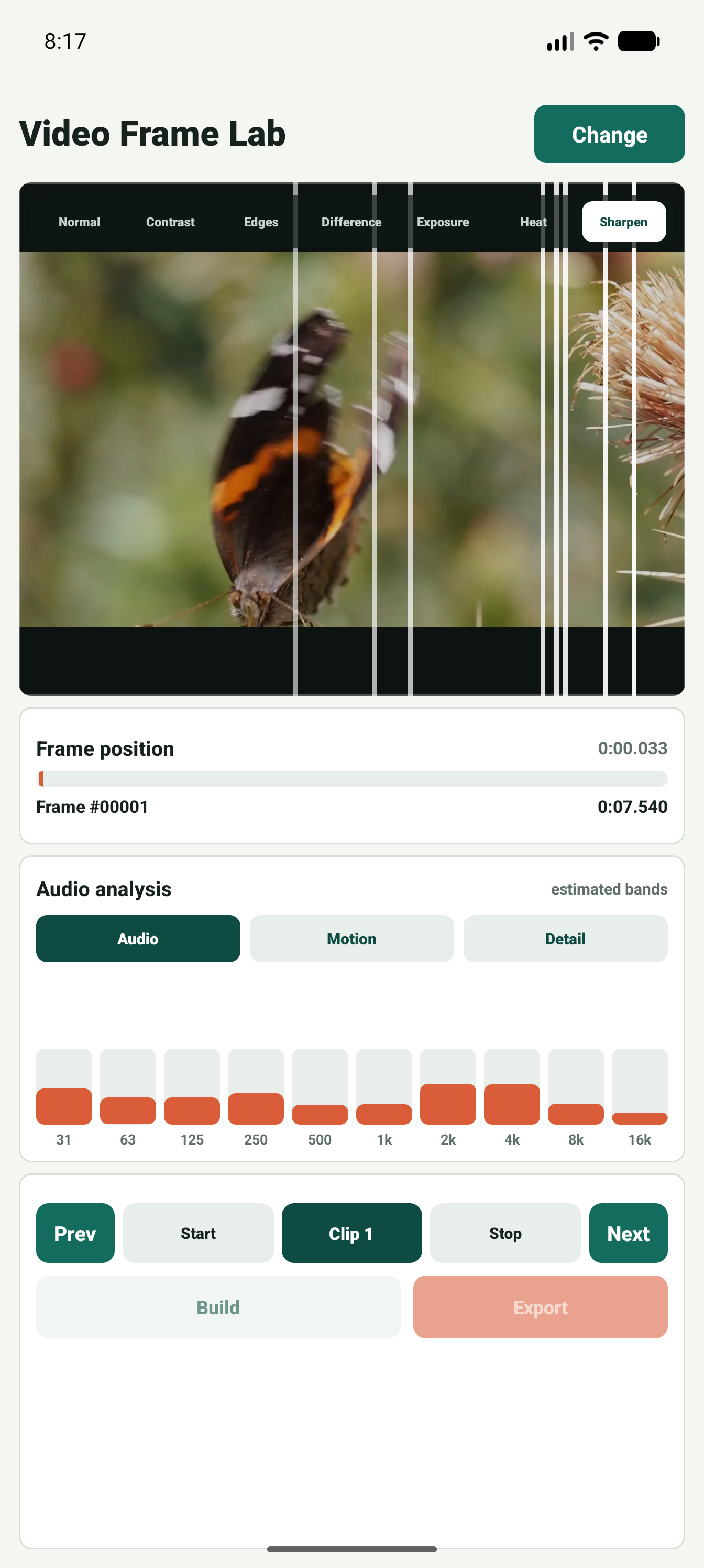
Visual inspection
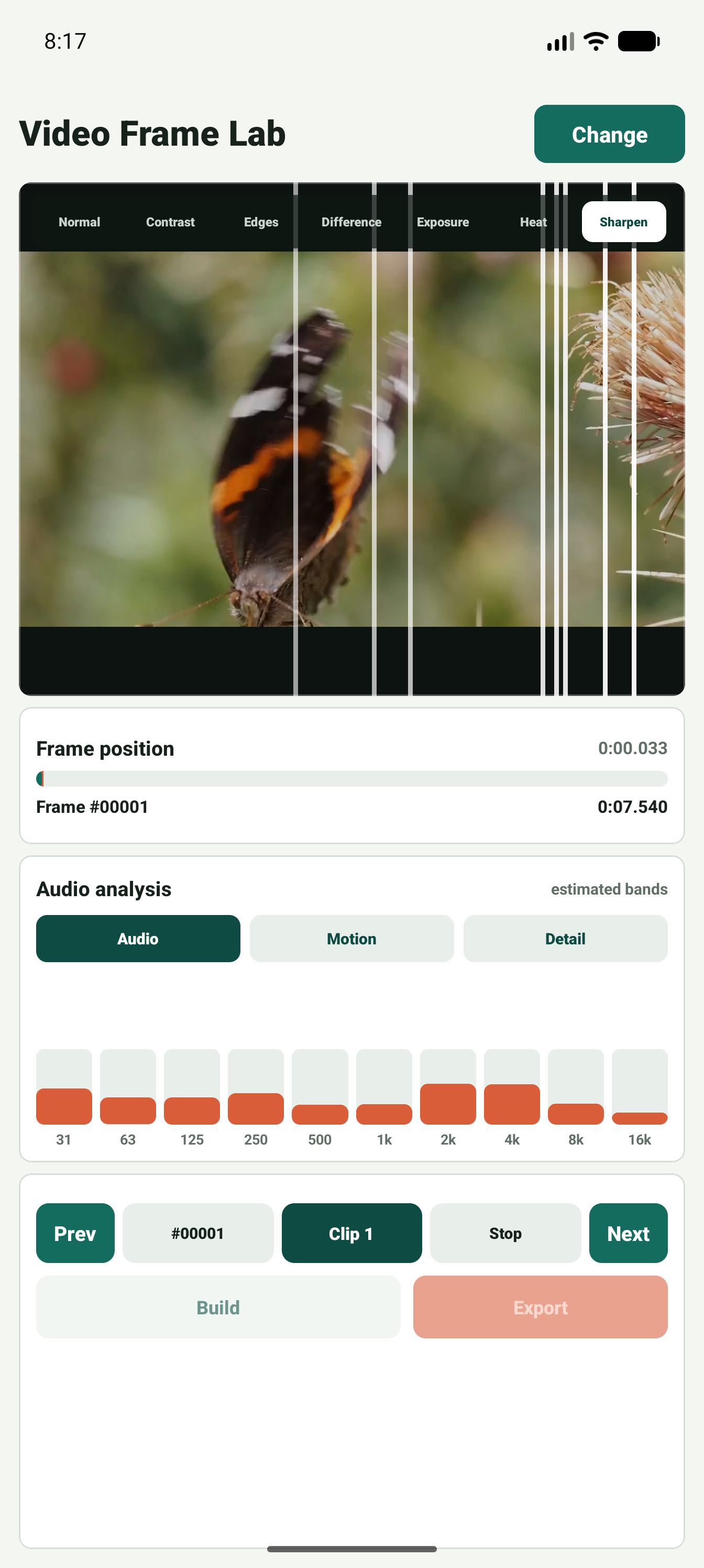
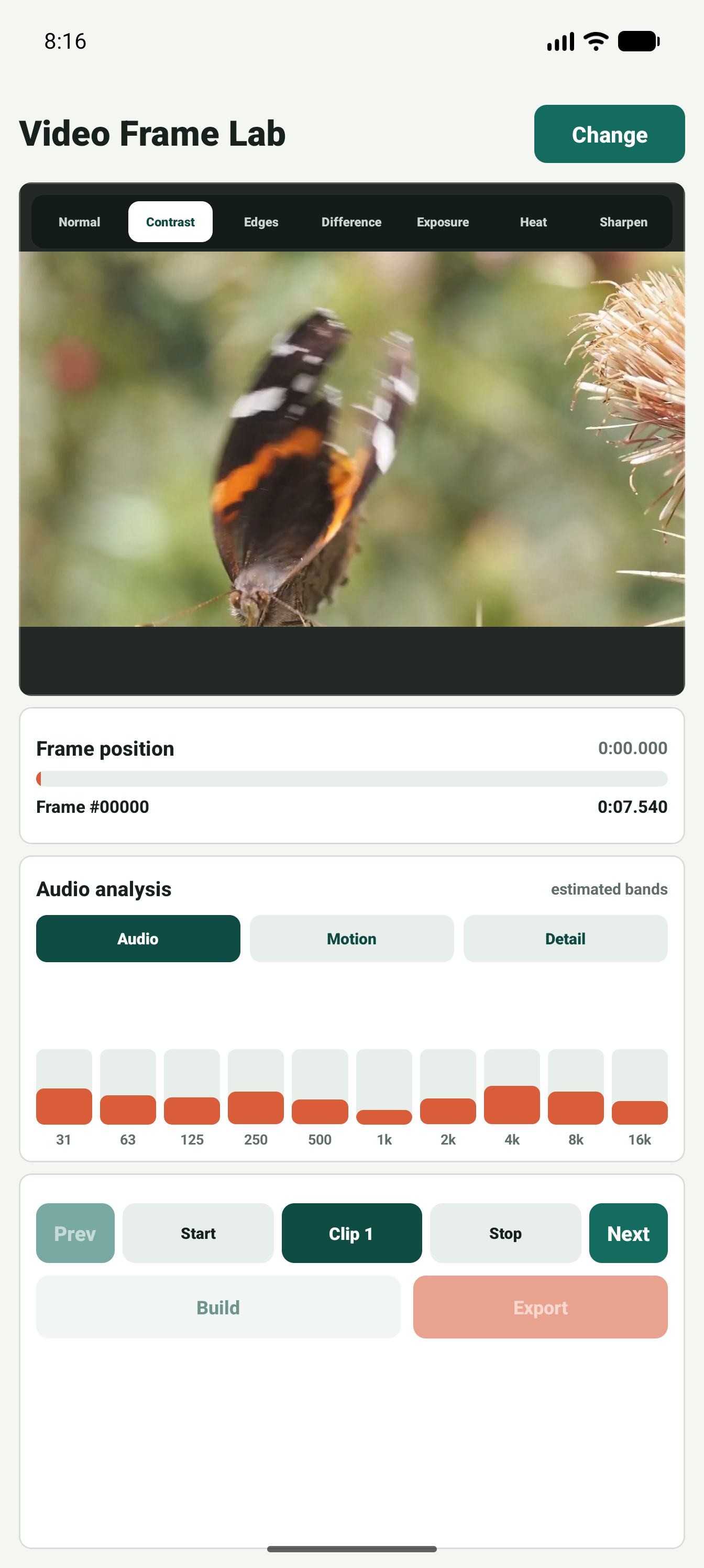
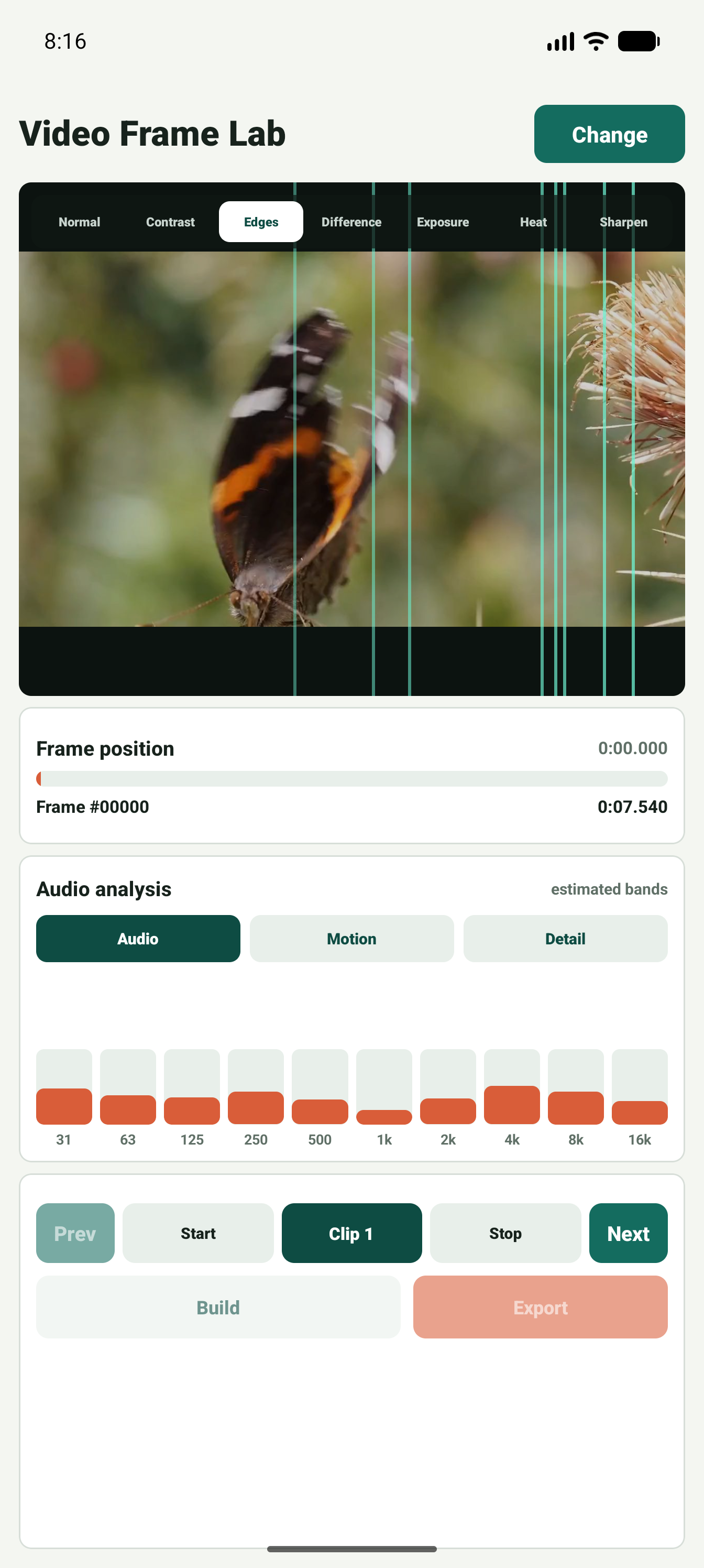
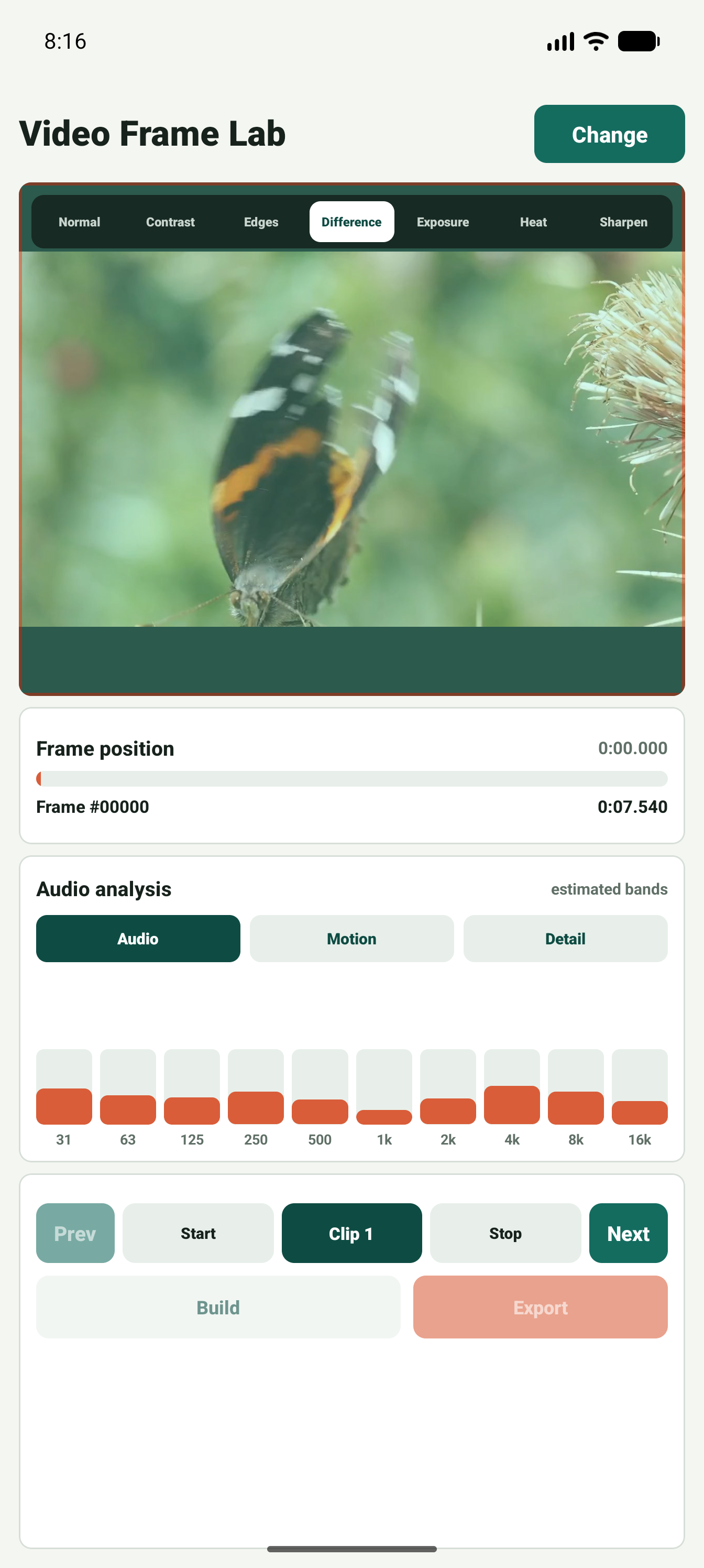
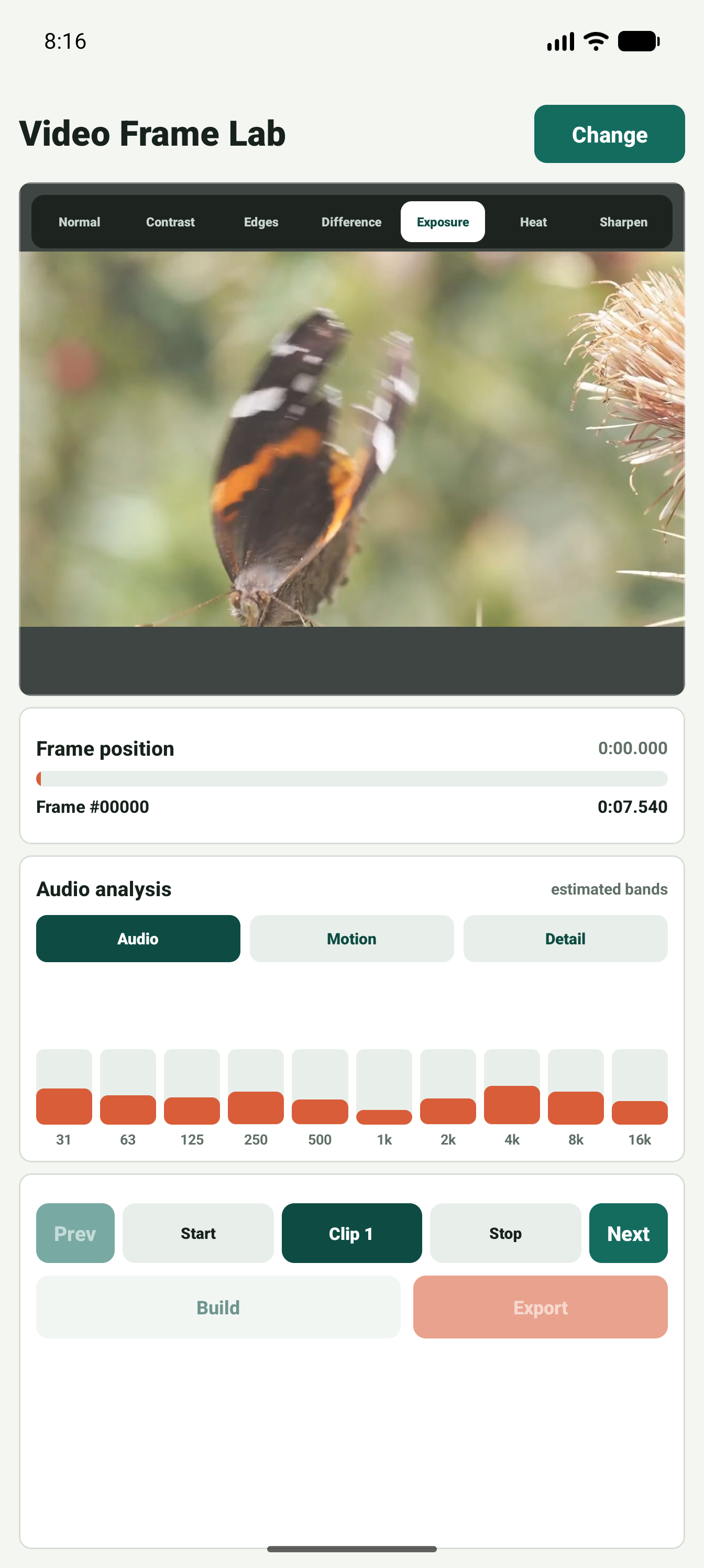
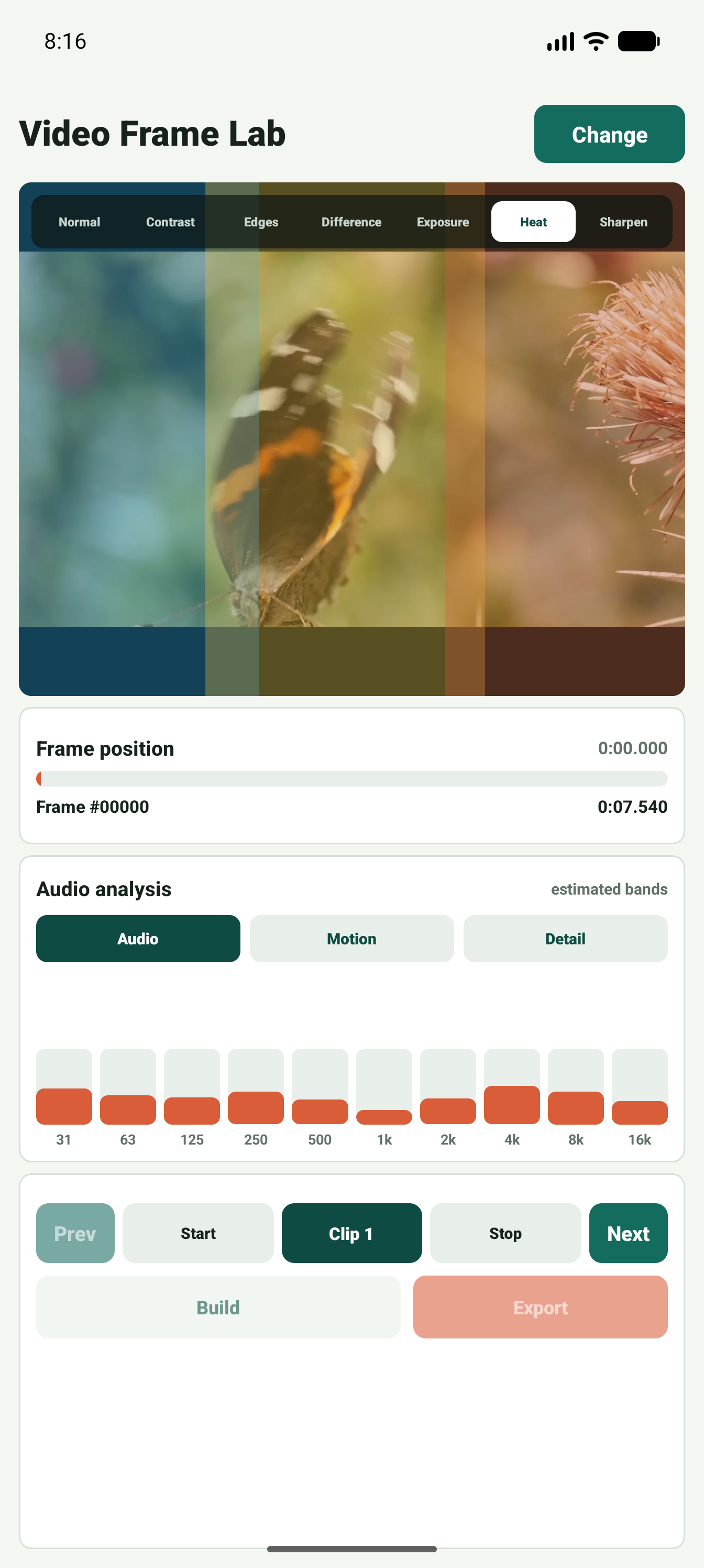
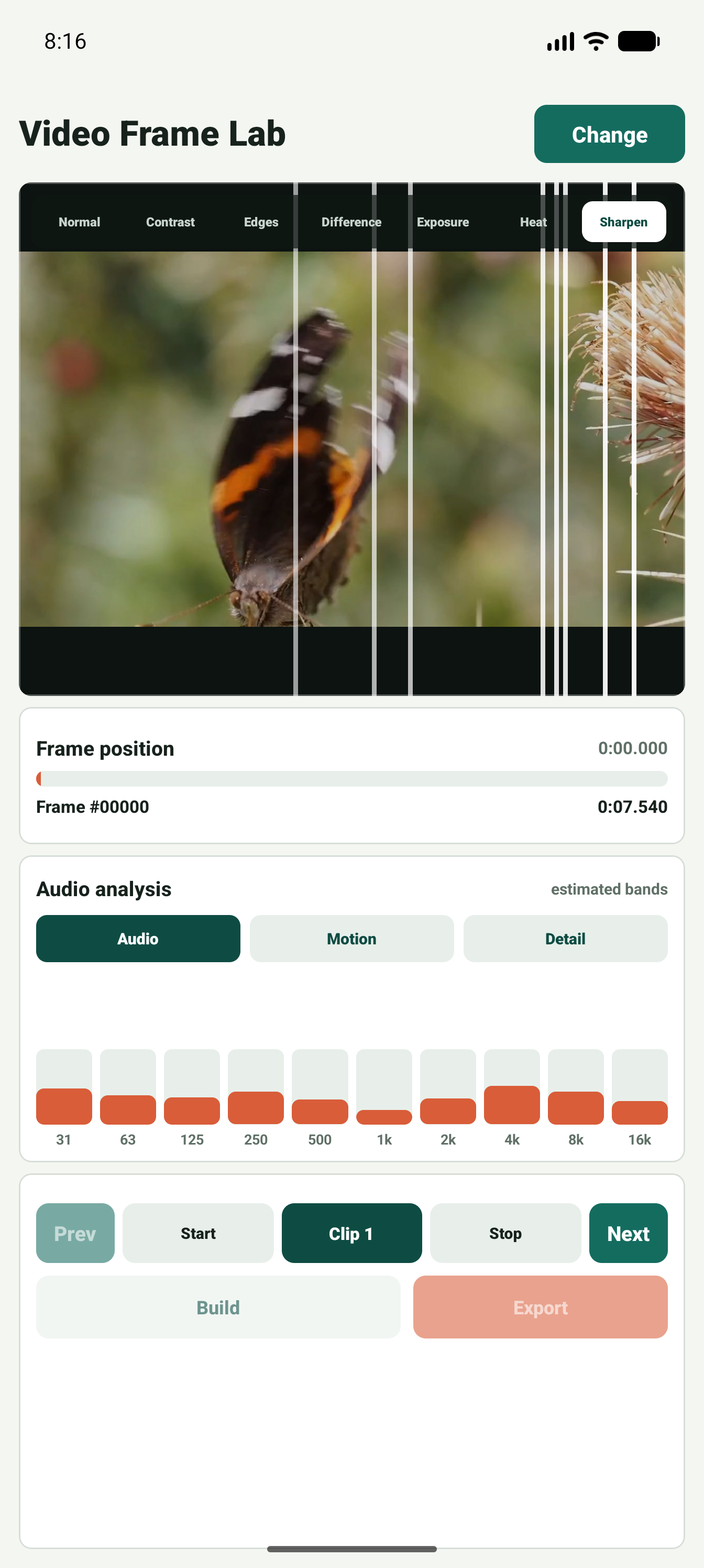
Filter modes reveal differences in the same frame
Contrast, edge, difference, exposure, heat, and sharpen modes keep frame review inside one compact screen.
Analysis views
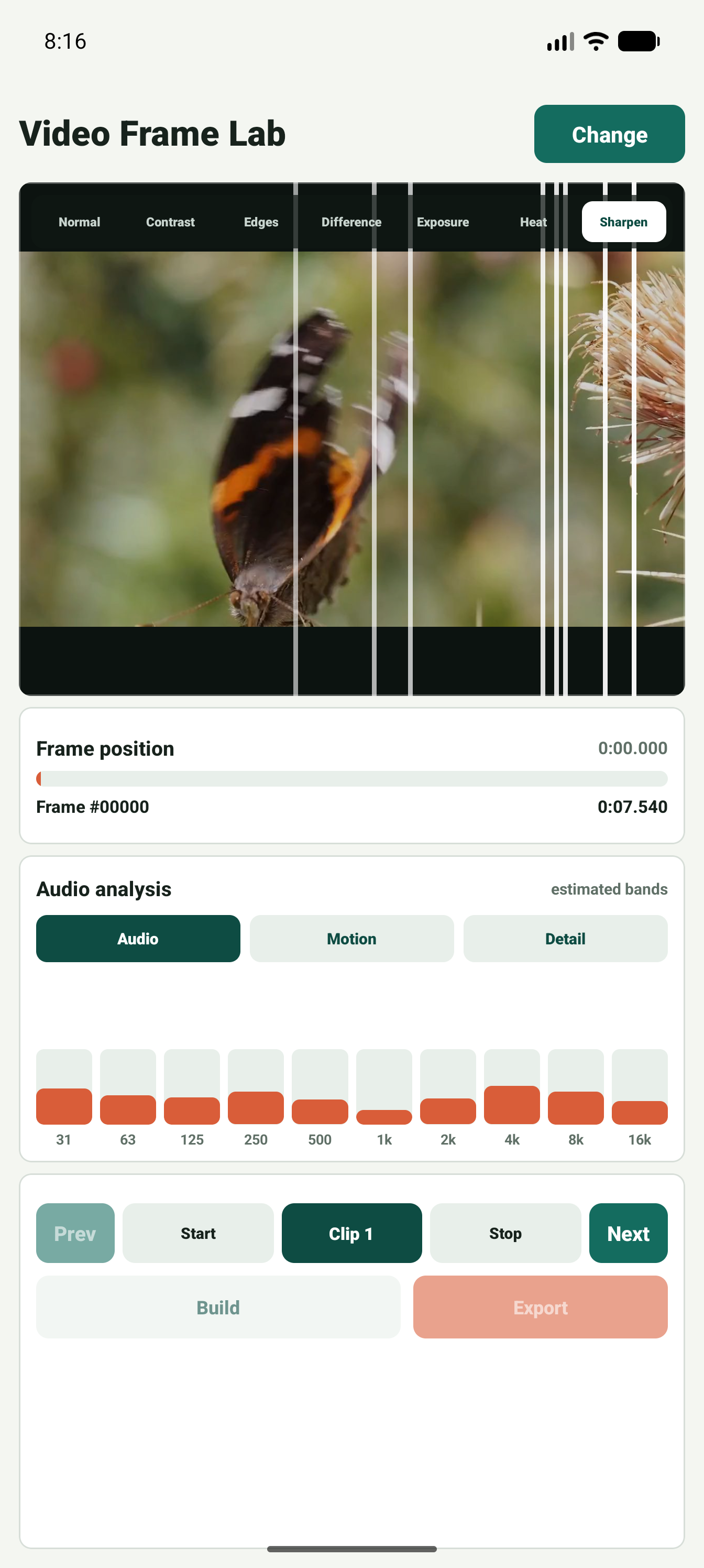
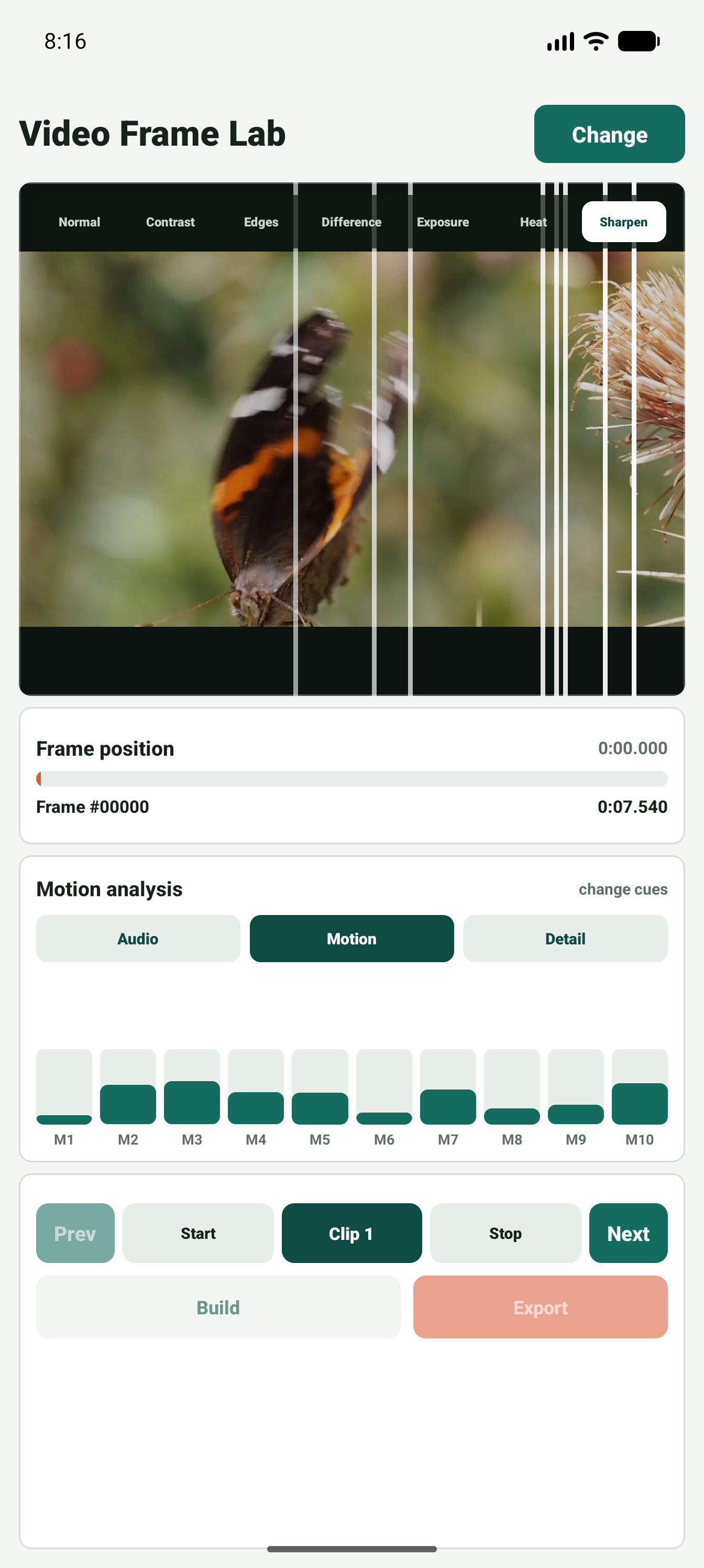
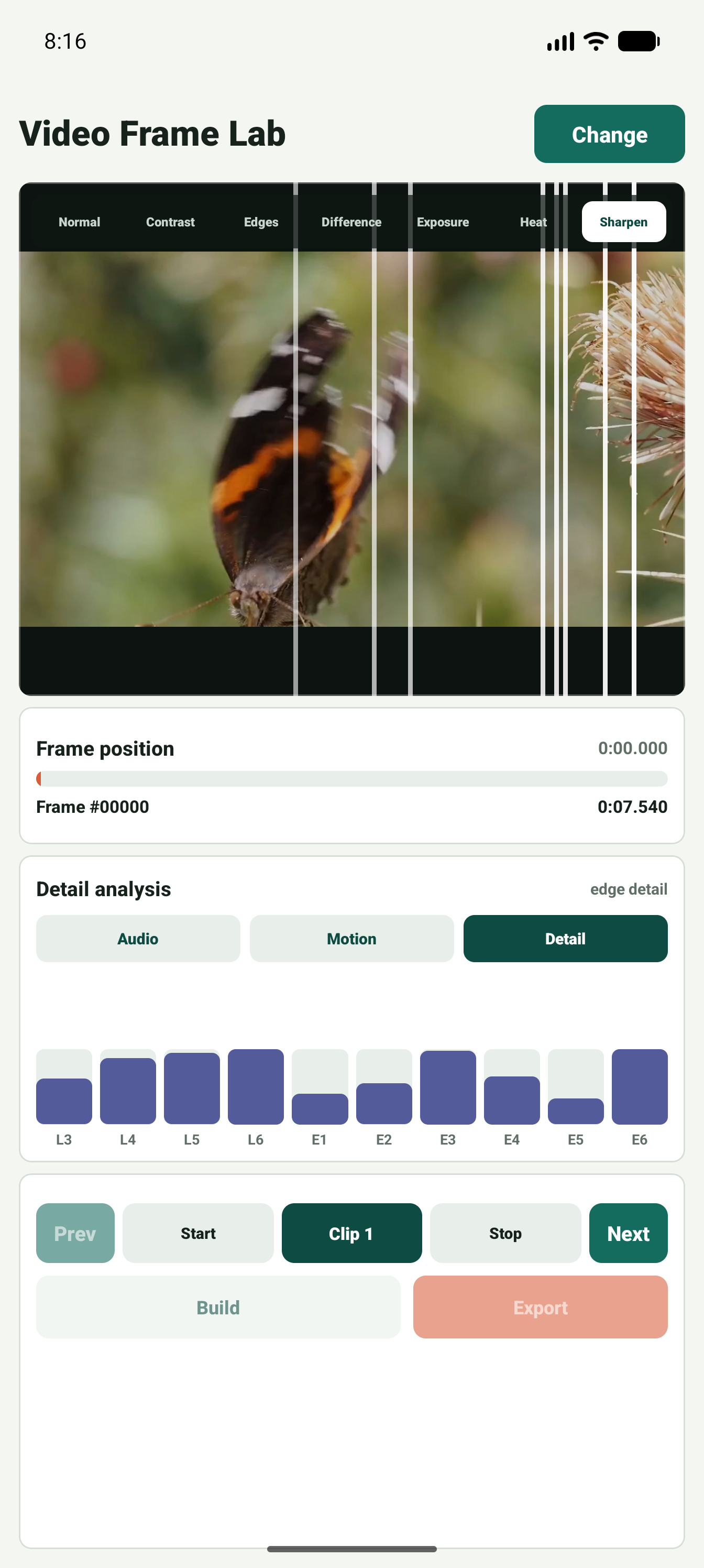
Audio, motion, and detail bands
Tabbed analysis lets reviewers switch between audio-like spectrum cues, motion cues, and frame-detail bands.
Clip output
Build a strip and export the result
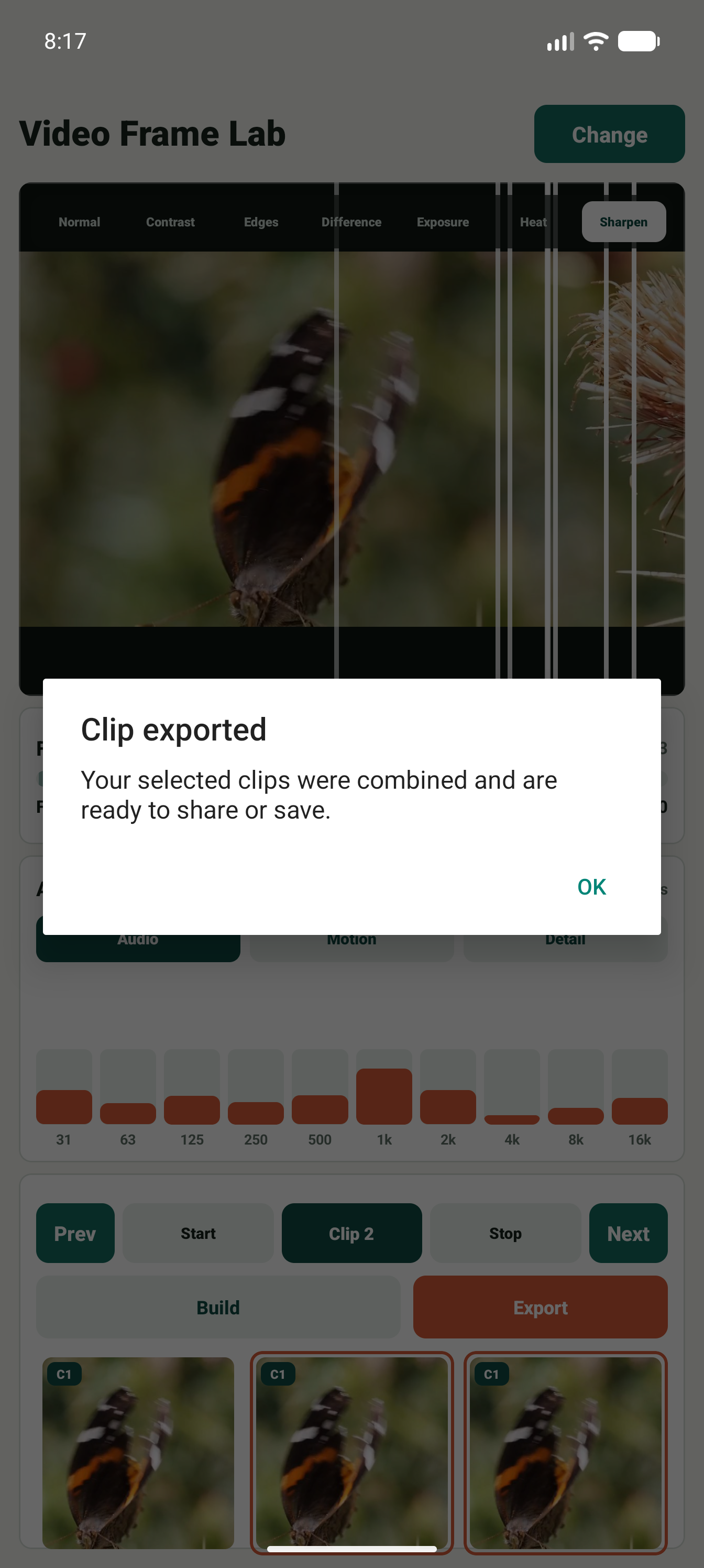
After marking start and stop frames, the app can build a thumbnail review strip and export the selected clip.
Screenshot inventory
Submission image set
More than 20 captured screens are included in this local package.